
For business owners, client and contact relationships are the foundation of everything. A follow-up turns a lead into a client. A check-in keeps a relationship warm, and a note from a past conversation makes the next one feel personal. Keeping track of all that consistently is what separates businesses that grow through relationships from ones that constantly start from scratch.
Nearly 70% of new business opportunities come from existing relationships and referrals, so the way you manage those relationships has a direct effect on growth. The problem is that most CRM software is built for large sales teams, not business owners. Multi-stage pipelines, automation rules, reporting dashboards, integrations with dozens of other tools. Powerful, and overwhelming for someone who mostly needs to stay organized and follow up reliably.
Personal CRM software takes a different approach. It sets up in minutes and gives you just enough structure to keep contacts and notes in order and see what needs to happen next. There is no enterprise learning curve to climb.
Most business owners do not have time to trial every CRM on the market and compare the details. So we did it for you. We narrowed the field to five options that balance what they can do against what they cost, for teams that are not running a large sales operation.
The best personal CRMs we found share four qualities. You can start using them in minutes rather than days. Their design cuts clutter instead of adding to it. You can adapt them to the way you already work without a complicated setup. And they are priced for individuals and small to mid-sized teams rather than enterprise sales organizations.
With those in mind, here are the five we recommend.
1. Lattney
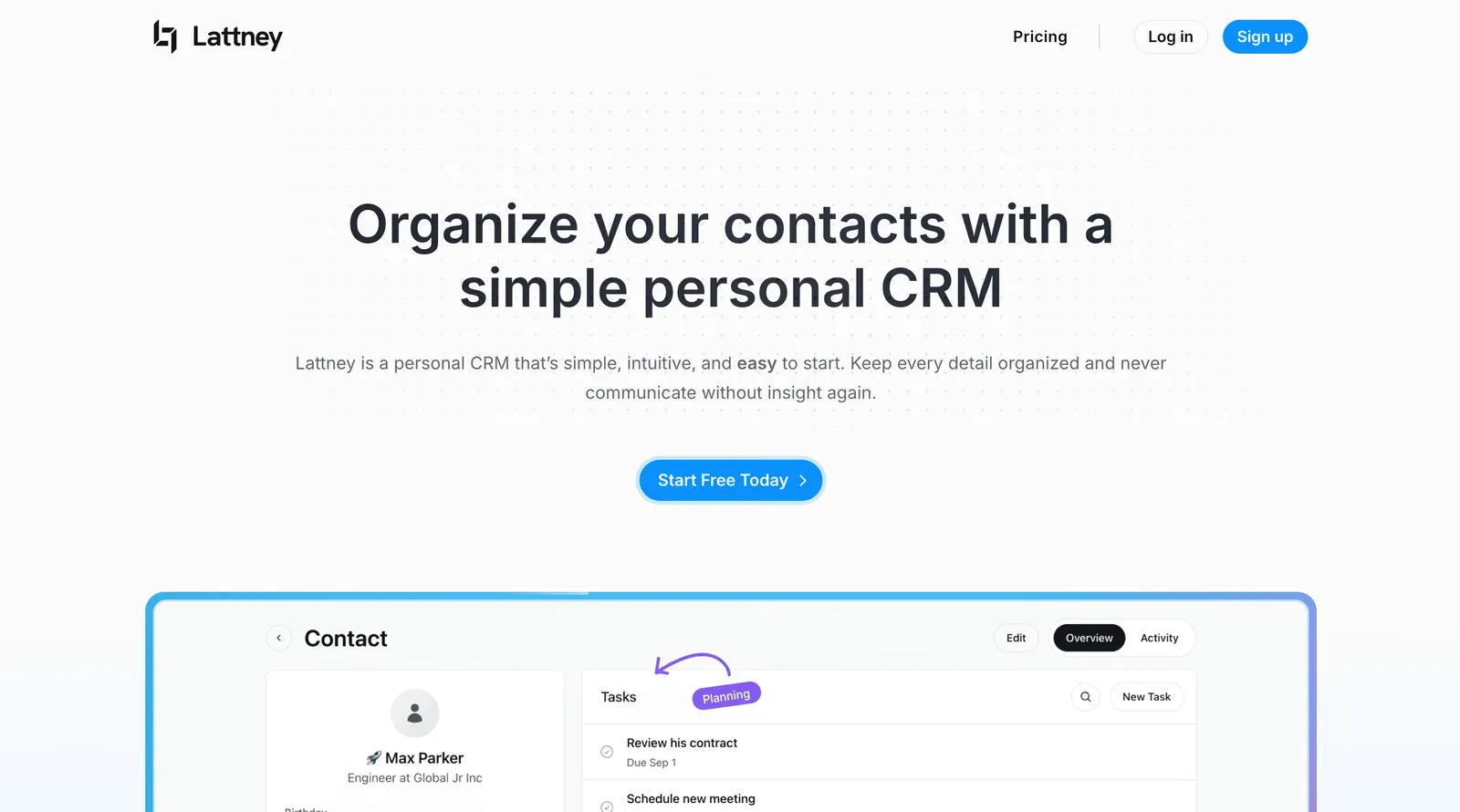
Lattney is built for business owners who want to get up and running quickly. You can import your contacts, add notes and tasks, and start tracking relationships in minutes. The interface is clean and the setup is minimal.
What is included: contacts and company records, contact lists, notes, tasks with due dates, custom fields, activity history, and approval-based workflows for teams that need structured client processes.
Pricing: Lattney offers a 14-day free trial. The CRM plan includes contacts, notes, tasks and contact lists at no cost. Workflows are available on paid plans.
Pros:
- Fast onboarding with a minimal learning curve
- Contacts, notes, tasks and custom fields in one place
- Clean interface that does not add clutter
- Approval-based workflows for teams
Cons:
- No advanced marketing automations or sales pipeline features
- Not designed for large sales organizations
Who it suits: business owners and small to mid-sized teams who want a clean system for managing client relationships and follow-ups, with the option to add structured workflows as the team grows.
2. Less Annoying CRM
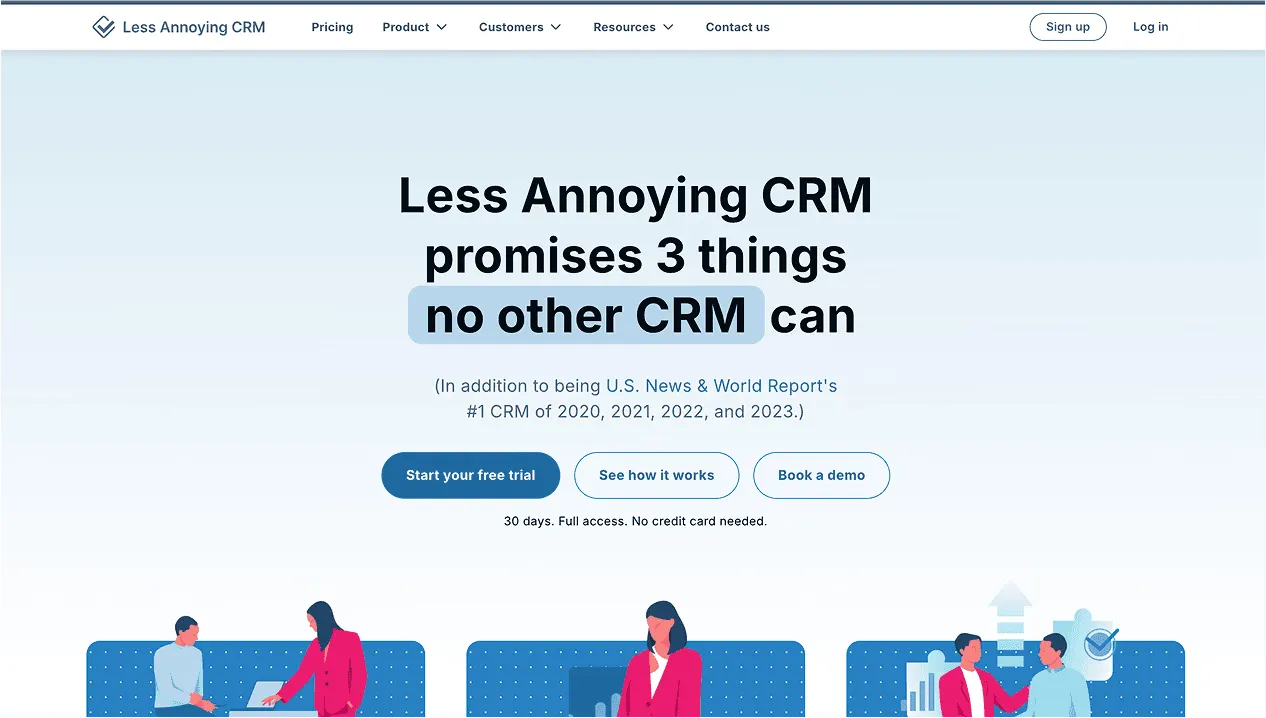
Why it stands out: Less Annoying CRM keeps the promise in its name. It stays uncomplicated and cheap, which suits solo owners and very small businesses.
Pricing:
- Flat $15/month per user (no tiered pricing)
Pros:
- Cheap and easy to learn
- Clean focus on contacts, tasks and calendar
Cons:
- Limited customization and project features
- Interface feels dated by modern standards
3. Zoho Bigin
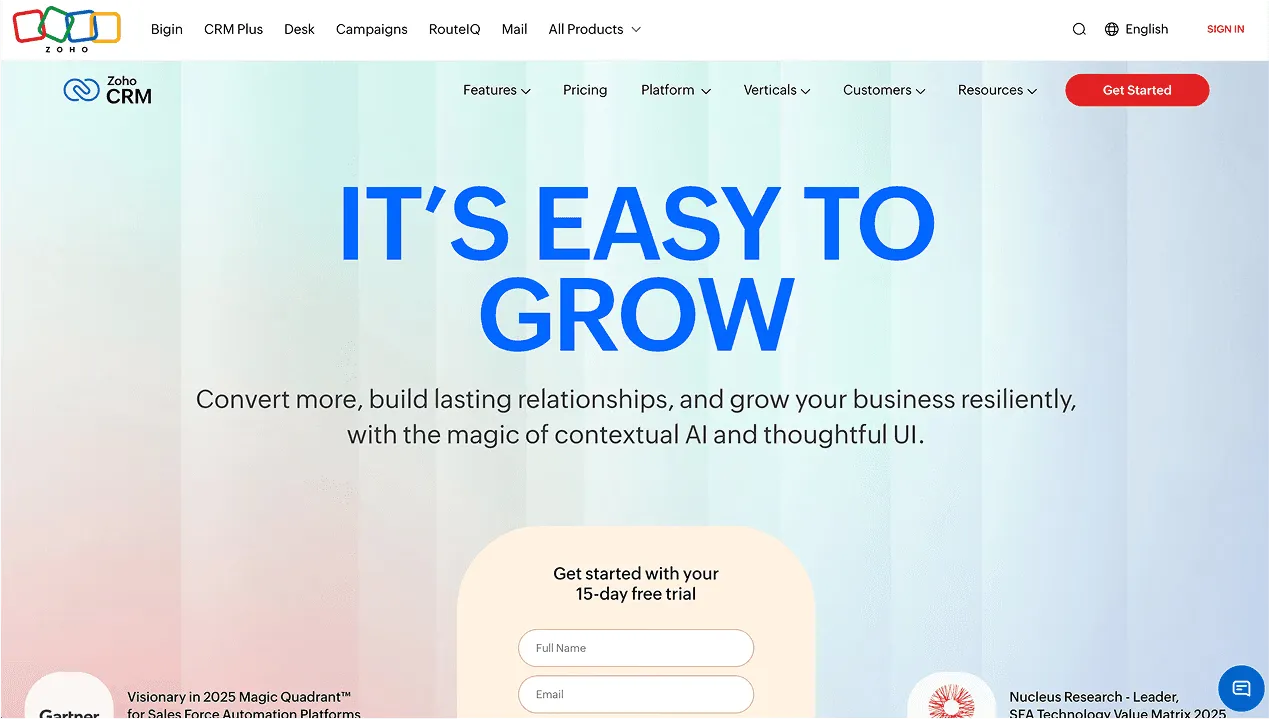
Why it stands out: Bigin is Zoho’s lightweight CRM, designed for pipeline-based workflows without the complexity of Zoho CRM. It suits you if you need structured deal tracking and still want something simple.
Pricing:
- Standard Plan: approximately $7-$10/month per user (varies by promotion or geography)
Pros:
- Offers a clear pipeline view for smaller teams
- Integrates with Zoho’s suite of tools
- Affordable pricing
Cons:
- Requires some setup time
- More sales-oriented focus than general contact management
4. Attio
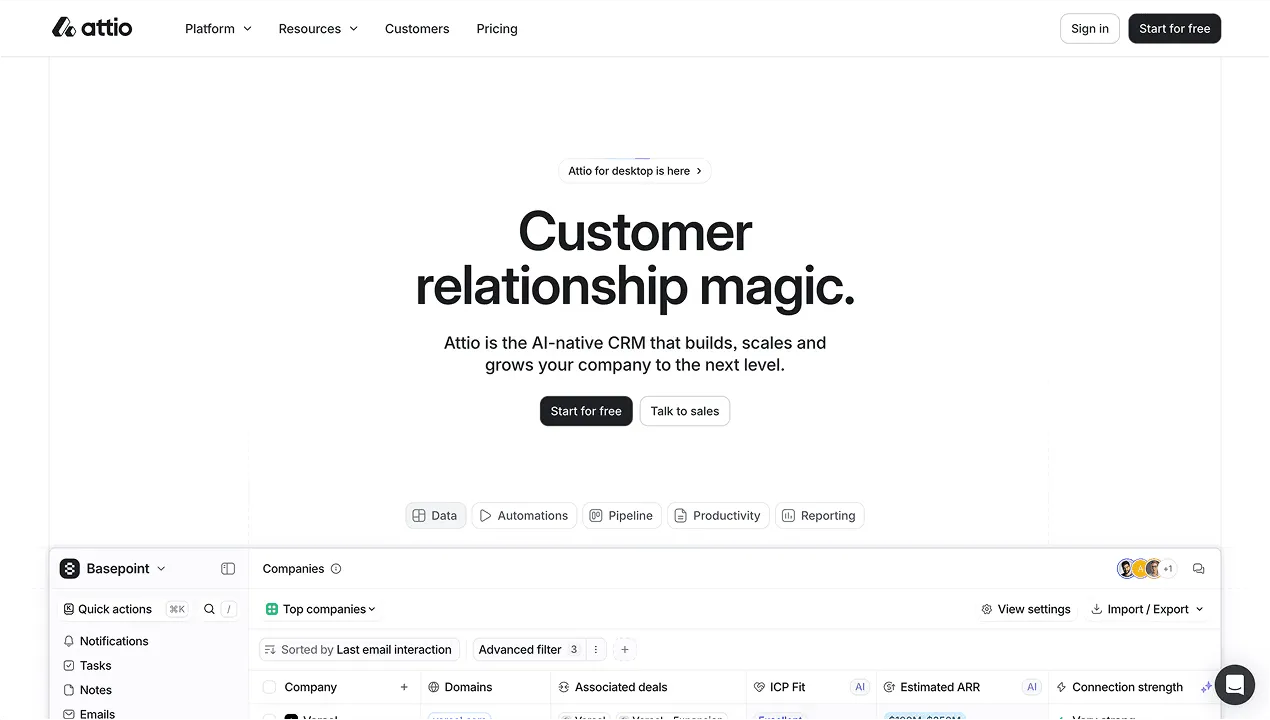
Why it stands out: Attio lets you treat your CRM like a database you shape to your needs. It is for owners who want a modern, highly customizable tool and will not sacrifice design to get it.
Pricing:
- Starting at around $39/month per user (as of latest publicly available pricing)
Pros:
- Clean, modern interface
- Exceptional flexibility and customization
- Collaboration features for small teams
Cons:
- Higher price than most personal CRMs
- Requires configuration time, so it is less plug and play
5. Insightly
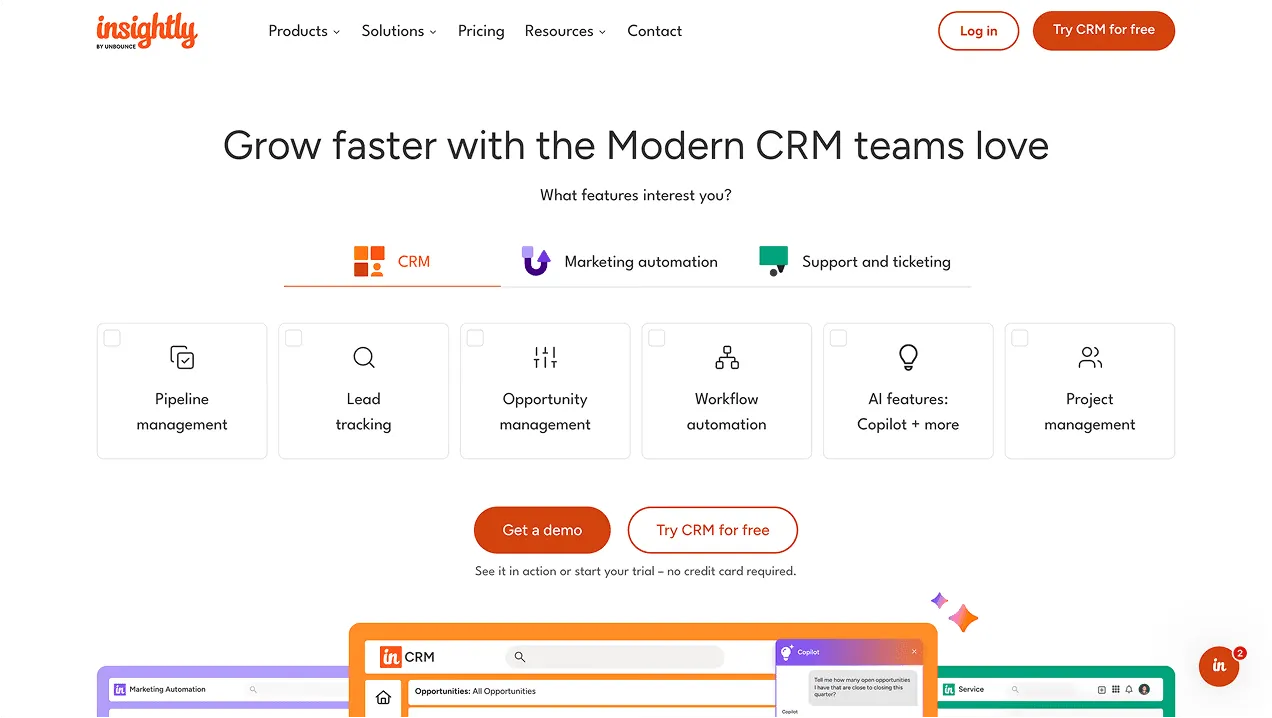
Why it stands out: Insightly merges CRM and project management. Small businesses get a mid-level option that still stays within manageable complexity.
Pricing:
- Basic plans begin around $29-$49/month per user (check current pricing as features may vary)
Pros:
- Combines CRM with project management
- Integrates with Google, Microsoft and others
- Scales better than ultra-light CRMs
Cons:
- More complex to set up
- Less intuitive interface for very simple use cases
- Higher cost compared to lightweight options
How to choose
The right tool depends on what you are trying to solve.
If you want something free to start, clean to use, and capable of growing into structured workflows as your team grows, Lattney is a strong starting point.
The most important thing is picking something you will actually use. A CRM only works if the habit of keeping it updated sticks. That is more likely when the tool is simple enough that updating it takes less time than avoiding it.